Telegram
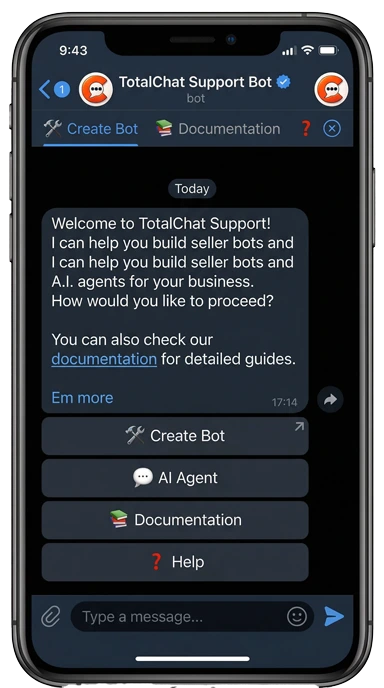
Powerful Bot Management for Customer Support SSS Simplified, Secure, and 24/7 Support
Bot Manager
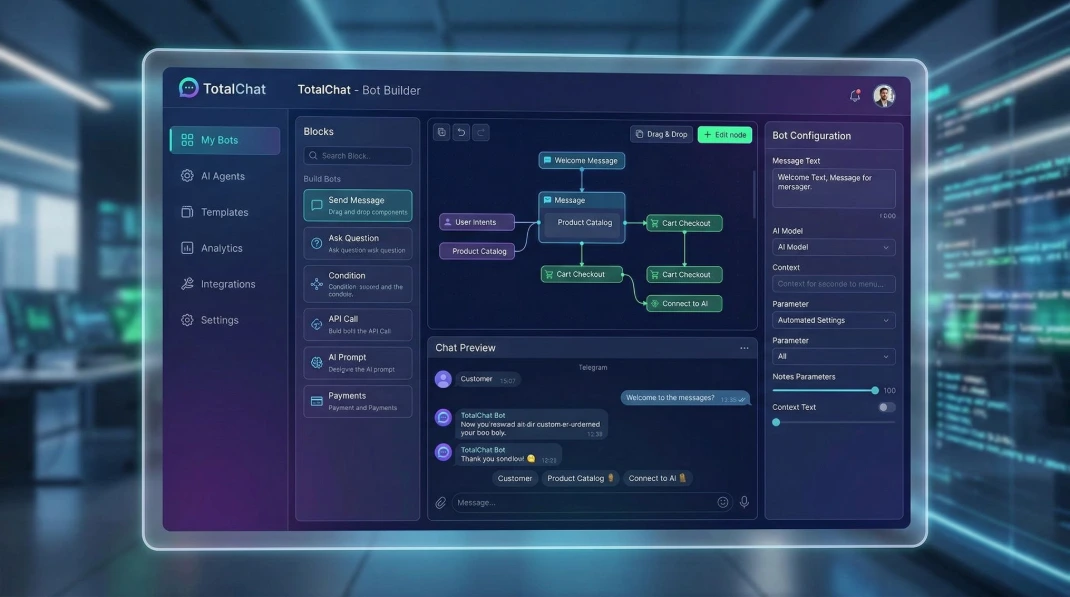
The Bot Manager enhances the management of multiple assistants, simplifying complex tasks effortlessly. With TotalChat, designing and customizing bots to fit your unique needs becomes a seamless experience.
Enhance Customer Support with TotalChat's Real-Time Chat
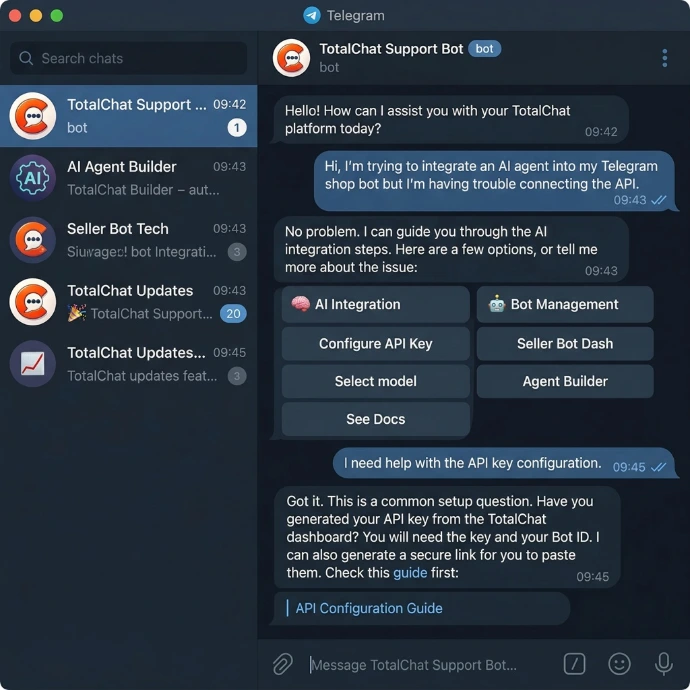
Engage with your audience in real-time with the Live Chat from TotalChat, a feature designed for instant and effective communication. Resolve inquiries and provide support with immediate messaging capabilities, efficiently manage high volumes of inquiries thanks to th emulti-agent support and keep detailed tracking of each interaction.

Benefits of TotalChat's Bot Manager
Centralized and Simple Management: Manage multiple bots for different spare parts or service brands from a single intuitive panel, eliminating technical complexity.
Customization to Your Needs: Design conversation flows that fit exactly to your inventory needs and your workshop schedules.
Analysis with Real Data: Make smart decisions based on performance metrics and detailed reports on your customers' inquiries.
Professional Level Security and Trust: Protect your customers' information and your suppliers' database with the highest standards of security and reliability.
24/7 Technical Support: Enjoy the peace of mind knowing that you have technical assistance at any time, ensuring that your sales channel never stops.
Time Optimization: Automate repetitive customer service tasks so you and your team can focus on closing sales and managing the workshop.
TotalChat's Telegram Broadcast Feature
When it comes to broadcasting messages, the Broadcast feature of Telegram from TotalChat ensures that your voice is heard loud and clear. Its user-friendly interface allows for quick and efficient messaging, while the custom sending options ensure the relevance and impact of each communication.
Schedule your messages to go out at the optimal time, making your communications more effective, whether for the launch of a product, an important announcement, or a regular stock update.

Some examples of use cases:
Stock Launch: "A container of spare parts has just arrived!
Check out the available models here: https://app.totalchat.net."Flash Deals: Schedule a message for Friday at 5:00 PM:
"Get your car ready for the weekend: 15% off oil change tomorrow Saturday."Service Announcements: Inform all your customers about new services.
Special Days: "We are open on Halloween, don't miss our special offers of the day."
Pre-sale: "Book now and get a 20% discount."