Start typing here
Before you begin, make sure you have the following in place:
- A Facebook Business Manager account with admin access.
- This is necessary to manage your WhatsApp Business account.
- A WhatsApp Business account linked to your Facebook Business Manager.
- Make sure it is properly set up and verified.
- A number that is not linked to the WhatsApp app; if it is linked, you must delete the account from the WhatsApp app.
An active TotalChat account.
You will need to log in to access the integration settings.
Connect your WhatsApp account using the Integrated Registration:
- Log in to your TotalChat account.
- Open your browser and access your TotalChat dashboard.
- Navigate to "WhatsApp Bot" in the Connect Chatbot section.
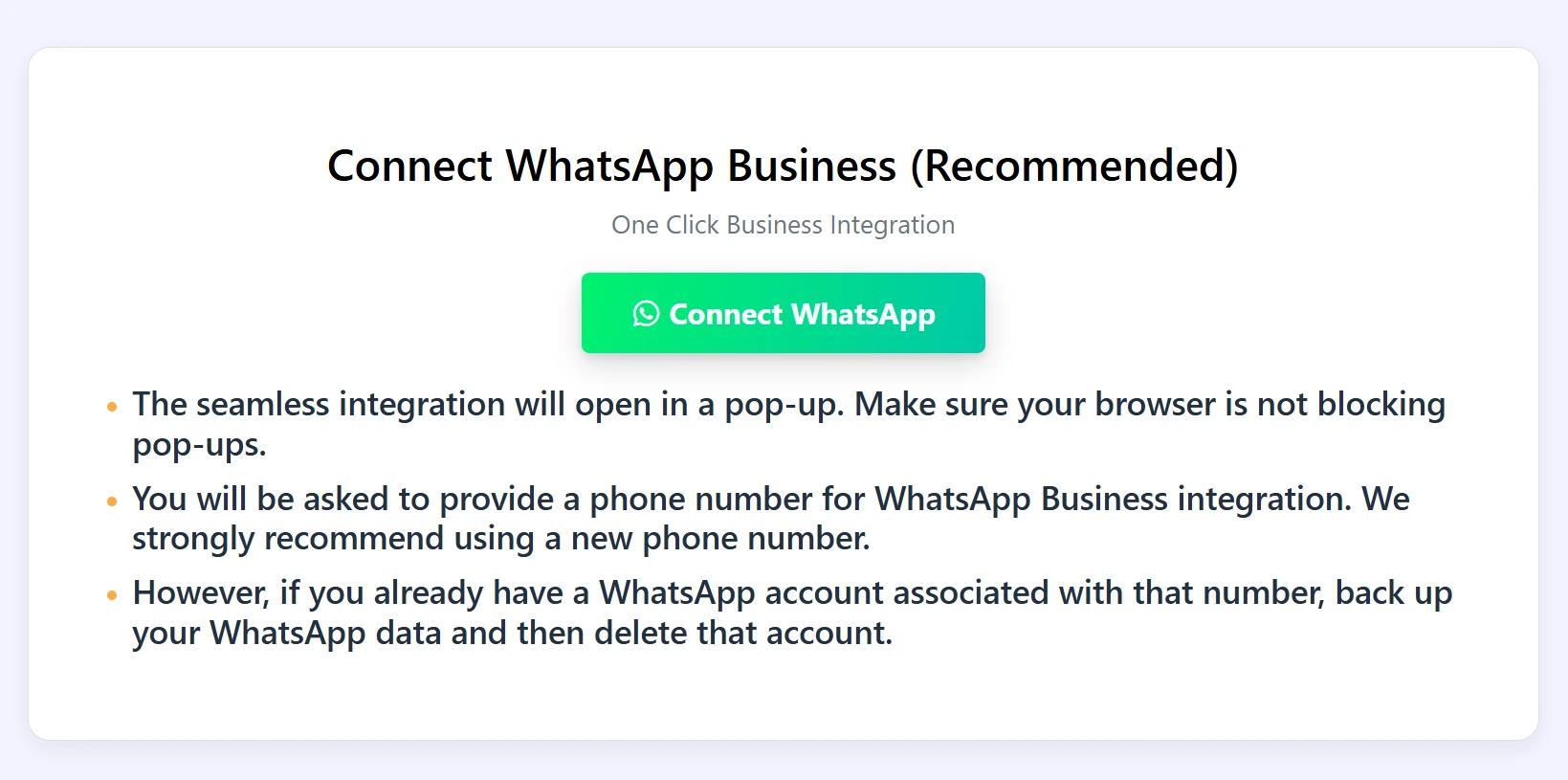
- Locate the "Connect WhatsApp" button or the option called One-Click Business Integration. This is the start of the connection process. You will have two options to connect WhatsApp, with or without catalog permission. Choose according to your requirements.
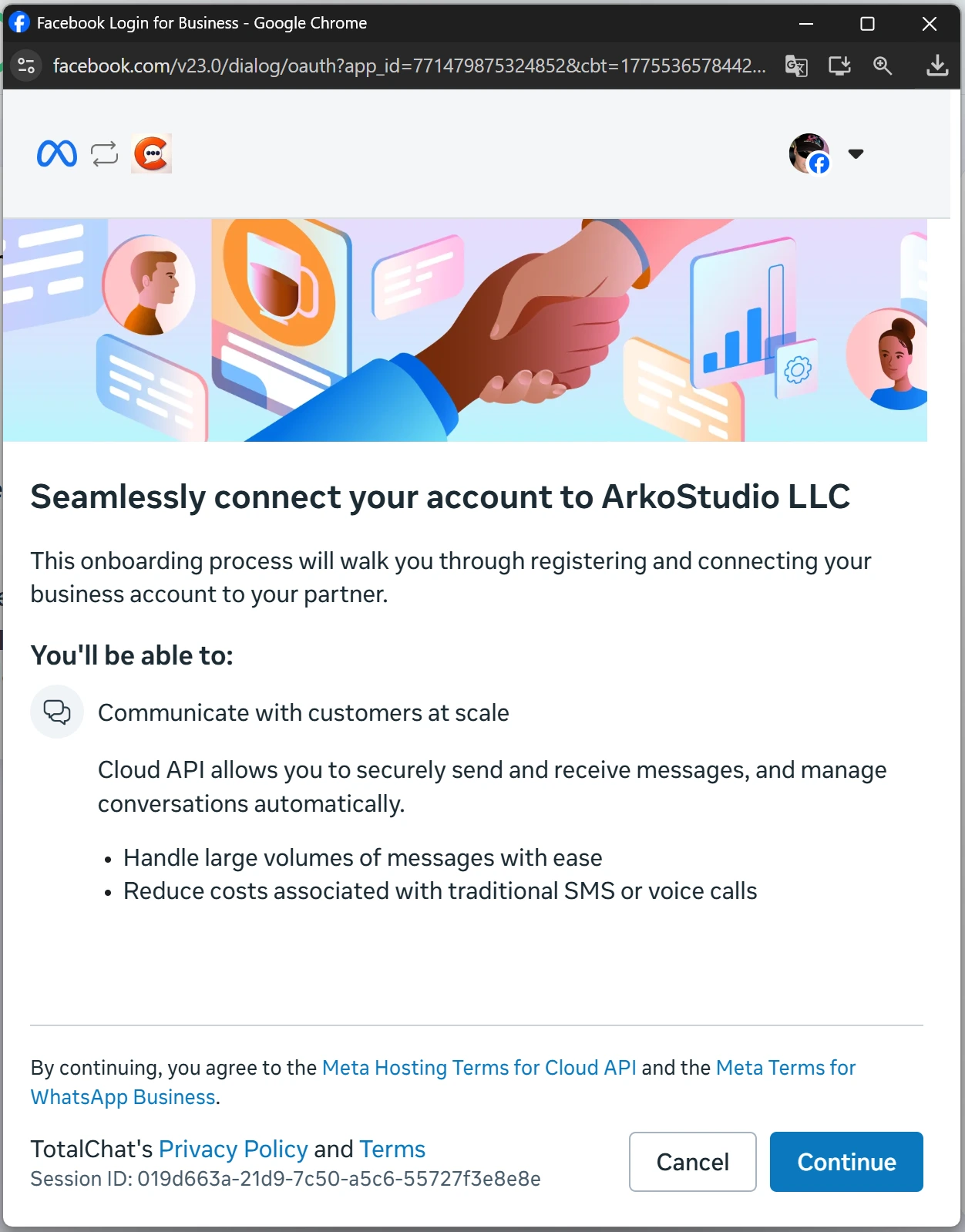
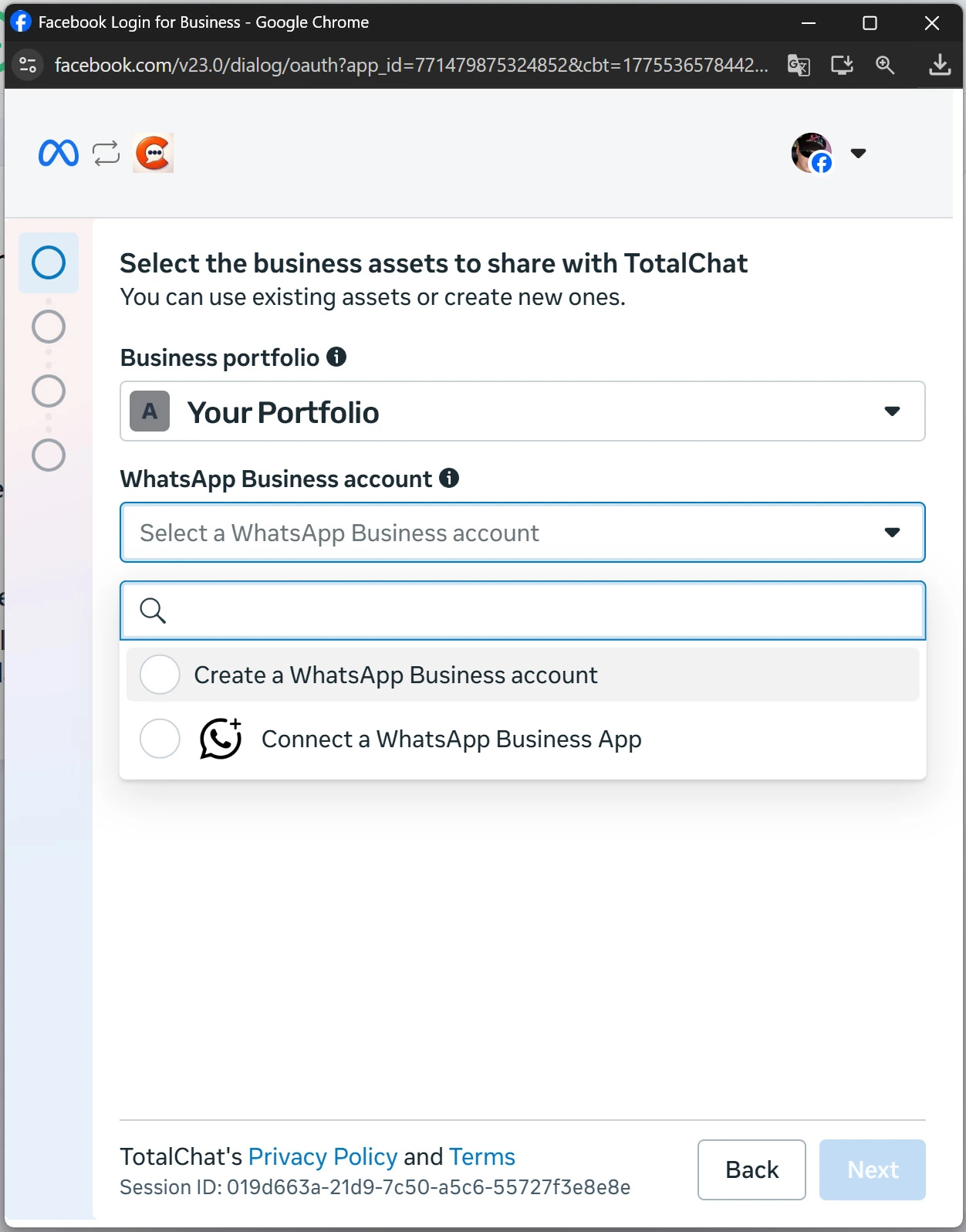
Confirm the connection. Check your TotalChat dashboard to ensure your WhatsApp account is linked. You can now start creating bots and automations!
Do you need personalized attention or help setting up TotalChat?
Write to us and we will be happy to assist you.