Automating DMs on Instagram is a game changer for businesses looking to optimize customer communication and marketing. With TotalChat, you can automate responses, manage conversations, and create flows using your Instagram Business Account connected directly to Meta. This guide will take you through the entire process of connecting your Instagram account to TotalChat via Facebook login.
Use cases
- Automatic response to Instagram direct messages with smart flows
- Automate responses to inquiries about products from your Instagram store
- Respond directly to messages from TotalChat
- Segment and manage Instagram subscribers for specific campaigns
- Manage comment automation on Instagram along with DMs
Connect your account
Go to Connect Account → Connect Instagram
From your TotalChat dashboard, click on "Connect account" and navigate to Connect Instagram.
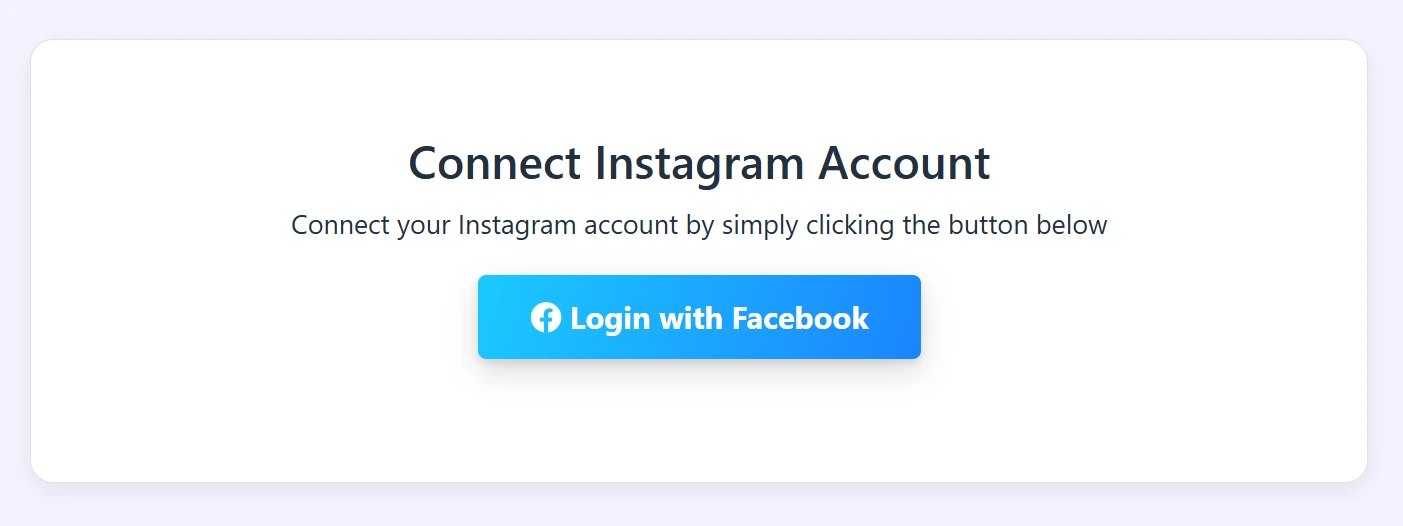
Click on "Log in with Facebook"
You will see a blue button labeled "Log in with Facebook". Click on it.
Select the Instagram accounts you have access to from your Facebook account.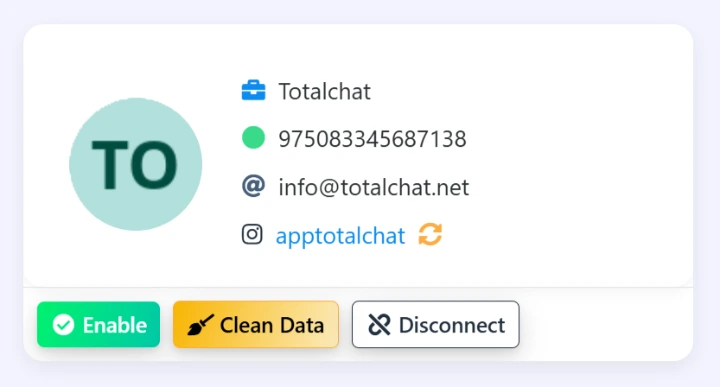
Make sure the "Enable" button is active.
And that's it, you can now create flow bots, AI-assisted bots, respond to DMs live, and you will also have access to the feature to reply, create, and automate comments.
Do you need personalized attention or help setting up TotalChat?
Write to us and we will be happy to assist you.